
How to set up and troubleshoot monitors for oculomotor and optotype tests
VisualEyes™ and most vestibular clinical rooms work best when a different screen size is used for oculomotor stimuli versus optotype tests. This is because a larger screen size that fills more of the patient’s field of vision is more accurate for certain oculomotor tests (such as optokinetic testing).
For our optotype tests (DVA, GST, and fvHIT™), the data is most accurate if a smaller monitor is used. Typically, this is a regular sized computer monitor.
When you have more than one monitor connected to the computer, it is important to make sure that the displays are being recognized by Windows.
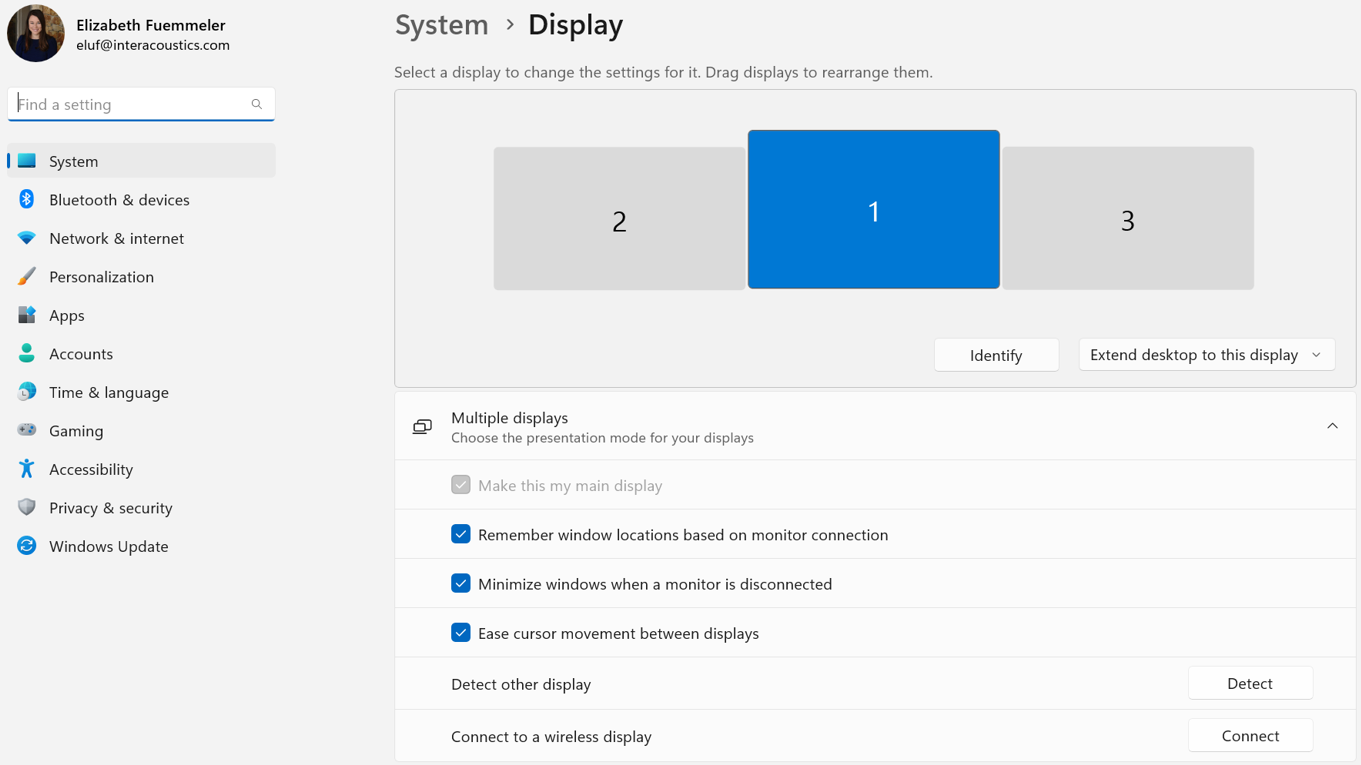
Once properly connected and identified, you can open VisualEyes and go to Configuration > System Default Settings:
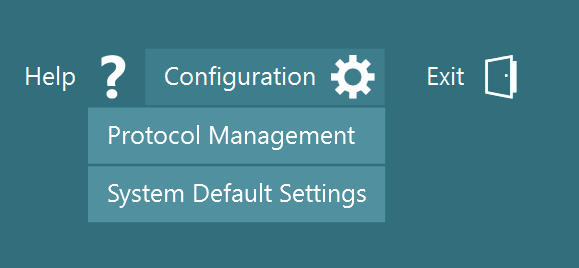
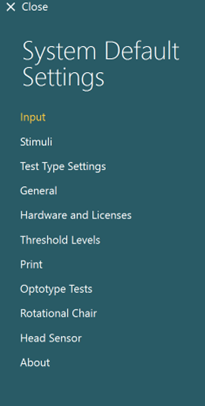
On the side bar, you will want to check two areas:
- Stimuli
- Optotype tests
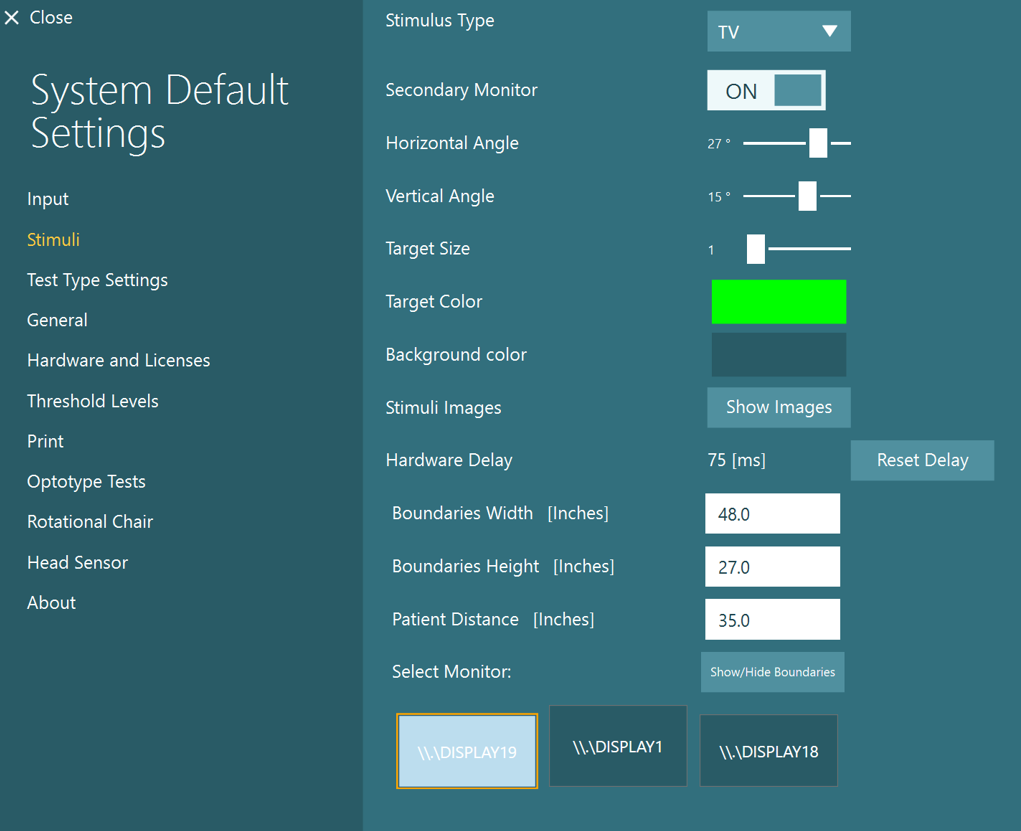
Stimuli is used for all oculomotor tests (gaze, pursuit, optokinetics, saccadometry, etc.). This is typically the 55” TV that users have.
Optotype is for the DVA, GST, and fvHIT tests. This should be a smaller computer monitor and patient distance will be much longer than what you see on your 55” TV. It is not recommended to use the TV for optotype tests, as patients would have to be very far away from it and usually room sizes do not allow for this.
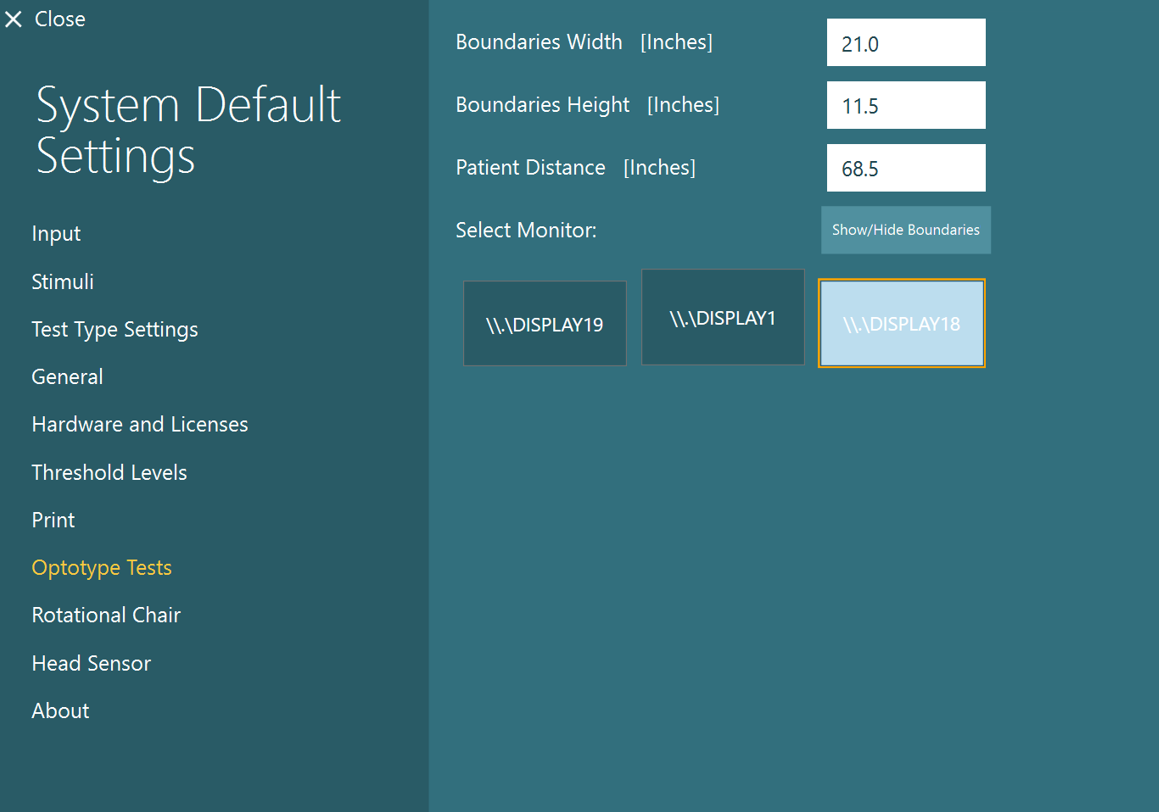
Occasionally, when a user is switching between stimuli and optotype tests, it may become confused of “which monitor” to send the stimuli to. If the user notices that the optotype is not displaying on the intended monitor (or same with the stimuli), have the user press the home button:

Go to Configuration > System Default Settings:
Choose Optotype Tests:
Click the “Show/Hide Boundaries” button – a green cross should show up on the screen.
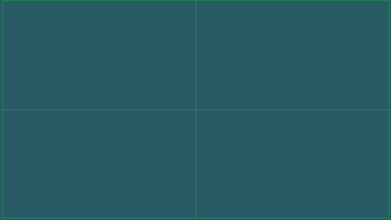
If it is showing up on the WRONG screen, choose the correct display and click the Show/Hide Boundaries button again:
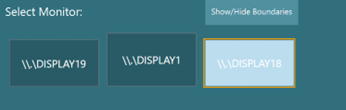
Then click close:

Begin testing:
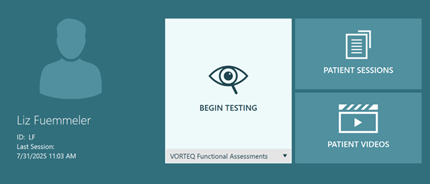
The optotype should pop up on the correct screen now.
Main display:
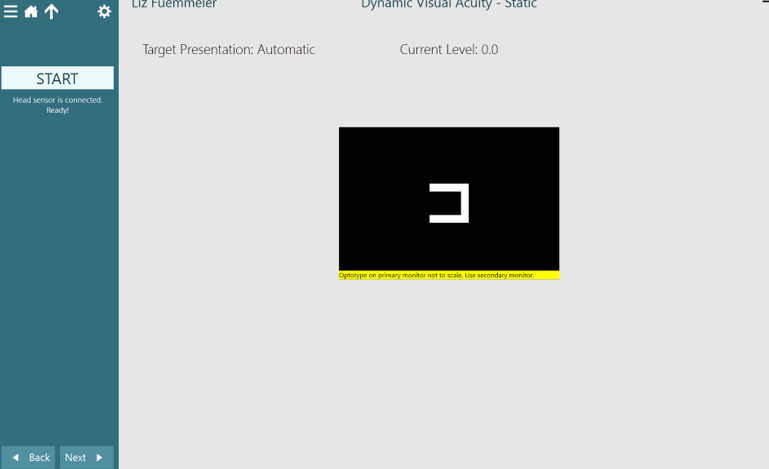
Separate monitor:

If switching back to a stimuli test, you may have to repeat this process going through System Default Settings but selecting “Stimuli” instead of “Optotype Tests”.
Presenter

